The Core Update
Google just updated their Antigravity SDK. It now runs AI models locally. This means you can use agentic features completely offline. Initial support targets Gemma 4 26B A4B models. These utilize Google AI Edge’s LiteRT for execution.Official Source: Google Announcement
Technical Impact & Mechanism
Previously, Antigravity SDK agents typically relied on cloud services. Now, the SDK uses LiteRT to execute large language models directly on your hardware. This setup efficiently leverages local GPU and RAM. Developers gain several advantages: enhanced data privacy for sensitive workloads, reduced operational costs from fewer cloud tokens, and lower latency for agent actions. TheLiteRTAgentConfig class now explicitly points to your locally stored model path.
Here’s a glimpse of configuring an Antigravity agent for local execution:
CONSOLE // PYTHON
SYNTAX_CHECK: OK
import asyncio
import os
from google.antigravity import Agent, LiteRTAgentConfig

# Point to your downloaded local model file
MODEL_PATH = os.path.expanduser("~/.litert-lm/models/gemma4-26b/model.litertlm")

async def main():
    print(f"Loading local Antigravity agent with model: {MODEL_PATH}")
    config = LiteRTAgentConfig(model_path=MODEL_PATH).lightweight()
    async with Agent(config) as agent:
        response = await agent.chat("Explain the benefits of local AI model execution.")
        async for token in response:
            print(token, end="", flush=True)

if __name__ == "__main__":
    asyncio.run(main())
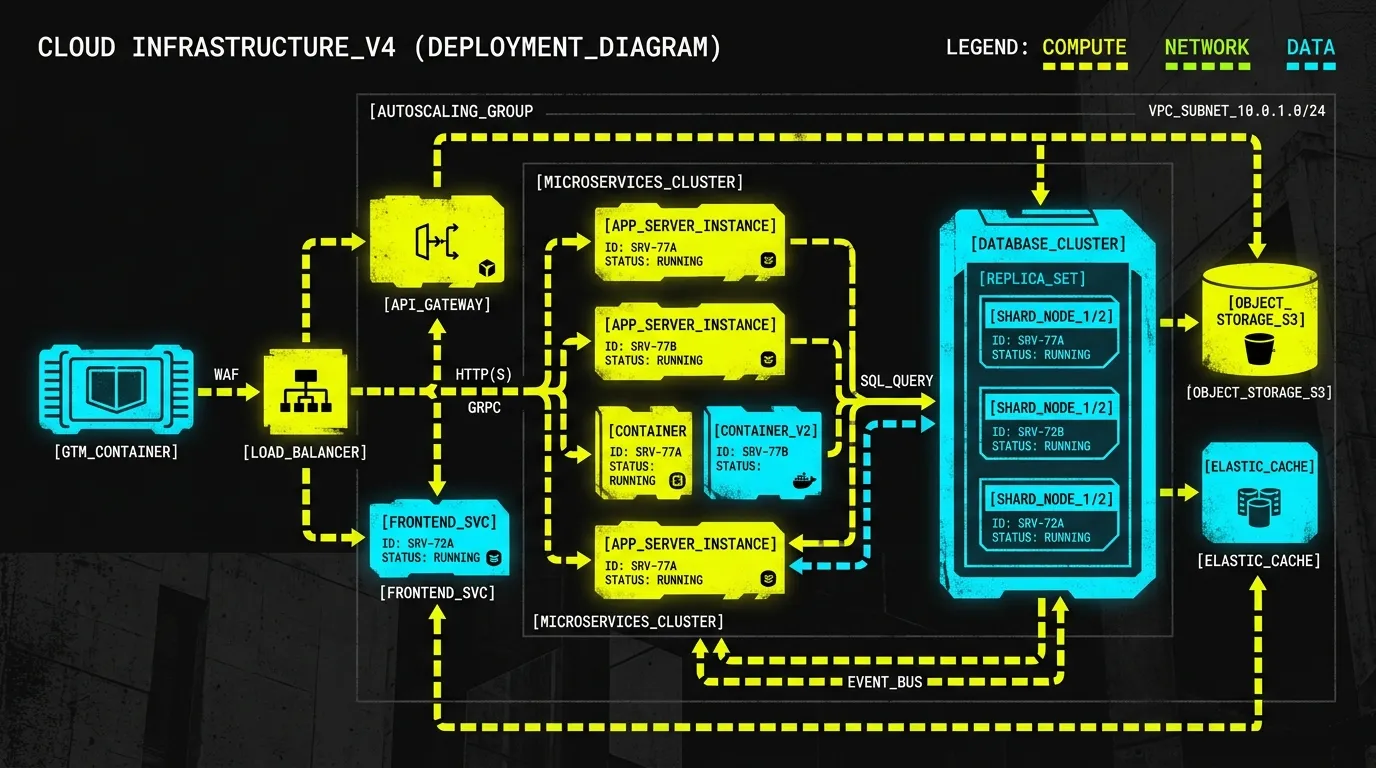
A hybrid orchestration pattern is also introduced. A cloud-based agent (the 'architect') can plan and direct tasks. A 'swarm' of local Gemma instances (the 'builders') then performs the heavy lifting directly on devices. This approach ensures data privacy by keeping sensitive computations local. It also optimizes token utilization, reducing cloud API expenses. An example use case involves a cloud agent identifying vulnerable Python modules, then local agents auditing and patching files like auth.py, billing.py, or database.py.
Action Plan for Developers & Businesses
- Verify Hardware Specs: Ensure your development environment has sufficient resources. A machine with over 24GB of VRAM or unified memory is recommended for local LLMs.
- Install Necessary Packages: Update your environment by installing
google-antigravityandlitert-lmusing pip. - Download Local Models: Use the
litert-lm importcommand to download the Gemma 4 26B A4B model from the specified Hugging Face repository. - Update Agent Configurations: Modify your existing Antigravity agent code. Point your
LiteRTAgentConfiginstances to the newly downloaded local models. Consider implementing hybrid cloud-local architectures for complex, privacy-sensitive workflows to maximize efficiency.
My team builds robust systems. We tackle complex architectural challenges. Need help integrating advanced AI agents? Or optimizing hybrid cloud/local workflows? Let's discuss your specific needs.