The Core Update
Google has pushed its Gemini AI, now incorporating a "Personal Intelligence" layer, into Android Auto and vehicles with Google built-in. This means drivers get AI assistance hands-free, directly within their car’s interface. The critical update allows Gemini to tap into user data from authenticated Google applications like Gmail, Calendar, Photos, Maps, YouTube, and Search. This creates a context-aware assistant, providing nuanced answers without manual input. Users must explicitly opt-in via Gemini settings to enable this data access.Official Source: Google Announcement
Technical Impact & Mechanism
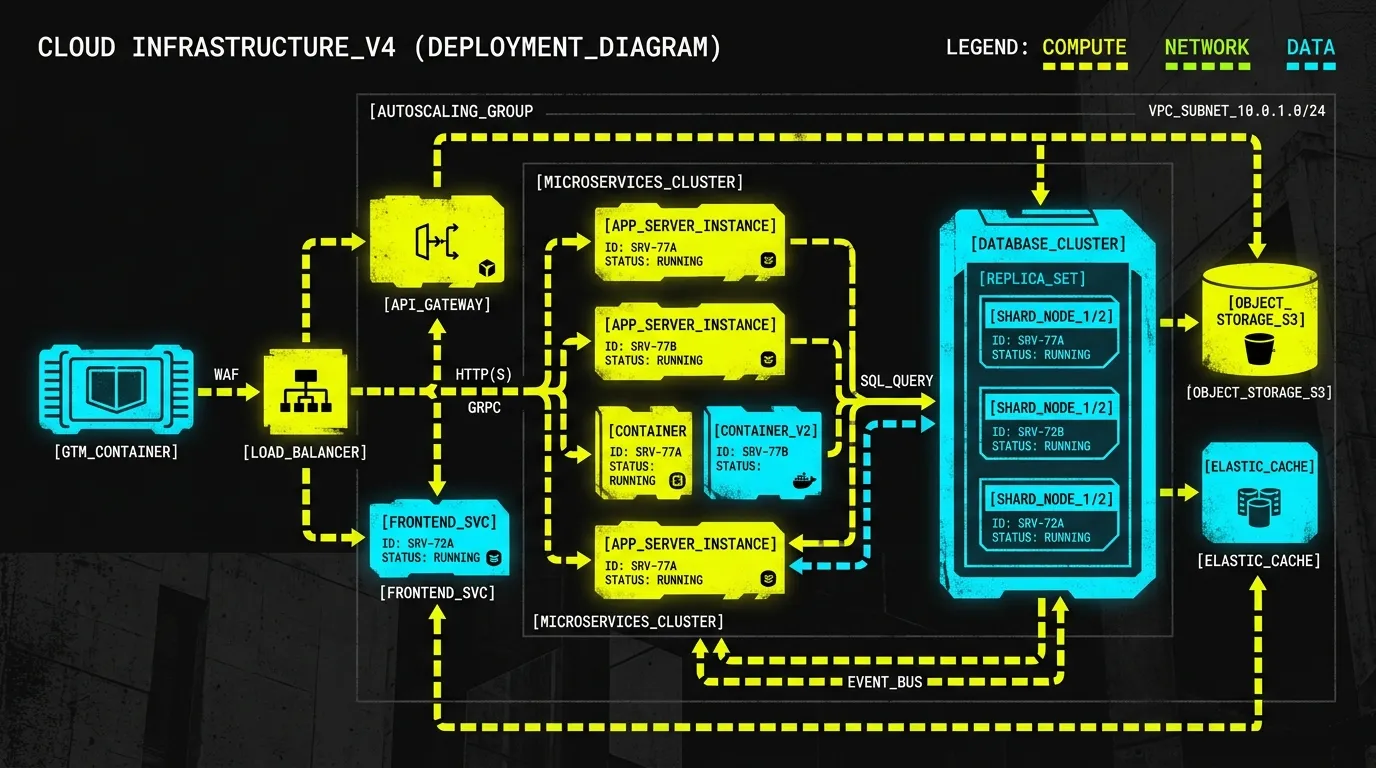
Previously, in-car assistants offered generic conversational AI. The new Personal Intelligence layer fundamentally changes this. It uses a secure, consent-driven API gateway to bridge Gemini with an individual's Google data graph. When a user asks a question, Gemini's query parser doesn't just hit general knowledge bases. It constructs a multi-source query. This pulls specific details from disparate data silos. For example, asking about a flight gate would trigger a lookup across linked Gmail or Calendar data. Asking about a saved restaurant would pull from Google Maps. The system performs complex reasoning across these connected data points to formulate tailored responses. This reduces user friction dramatically. The underlying architecture relies on robust authorization scopes. Users control exactly which Google apps Gemini can access. This granular control is crucial. It’s a shift from isolated app functionality to interconnected, personalized data services.
CONSOLE // PYTHON
SYNTAX_CHECK: OK
# Conceptual representation of Gemini's Personal Intelligence data access
class GeminiPersonalIntelligence:
    def __init__(self, user_auth_tokens):
        self.auth_manager = AuthManager(user_auth_tokens)

    def get_contextual_data(self, data_source, query_params):
        if not self.auth_manager.is_authorized(data_source):
            raise PermissionDeniedError("User has not granted access to this data source.")

        # API call abstraction for various Google services
        if data_source == "gmail":
            return GoogleMailAPI.fetch_emails(query_params, self.auth_manager.get_token("gmail"))
        elif data_source == "calendar":
            return GoogleCalendarAPI.fetch_events(query_params, self.auth_manager.get_token("calendar"))
        elif data_source == "photos":
            return GooglePhotosAPI.search_photos(query_params, self.auth_manager.get_token("photos"))
        # ... other integrated Google services

    def process_query(self, natural_language_query):
        # 1. Parse intent and identify required data sources
        intent, entities = NaturalLanguageProcessor.parse(natural_language_query)
        required_sources = self.map_intent_to_datasources(intent)

        # 2. Retrieve data from authorized sources
        retrieved_data = {}
        for source in required_sources:
            try:
                data = self.get_contextual_data(source, entities)
                retrieved_data[source] = data
            except PermissionDeniedError as e:
                print(f"Warning: {e}") # Handle gracefully, inform user.

        # 3. Reason across retrieved data to form a response
        return ReasoningEngine.synthesize_response(intent, retrieved_data)

# Example usage:
# user_tokens = {'gmail': 'token123', 'calendar': 'token456'}
# gemini_ai = GeminiPersonalIntelligence(user_tokens)
# response = gemini_ai.process_query("Where is my 3 PM meeting?")
Action Plan for Developers & Businesses
- Review Data Privacy Policies: Update your organizational privacy frameworks. Ensure they clarify Gemini’s potential use of user data via Google services. This includes explicit consent flows for linking personal accounts.
- Integrate with Android Auto (If Applicable): Developers building for Android Auto should explore how to leverage existing Google integration points. Prepare for a more AI-centric interaction model with users.
- Educate Users on Opt-in: Businesses must guide users through the opt-in process for Personal Intelligence. Clear instructions on connecting Google apps are essential for feature adoption.
- Consider Contextual AI Opportunities: Investigate how this AI model could influence future in-car or voice-driven application development. Think about services benefiting from cross-application data fusion.
For deep dives into architectural shifts and practical implementation, check out our Case Studies & Work. Ready to strategize your next move? Contact Waleed.