The Core Update
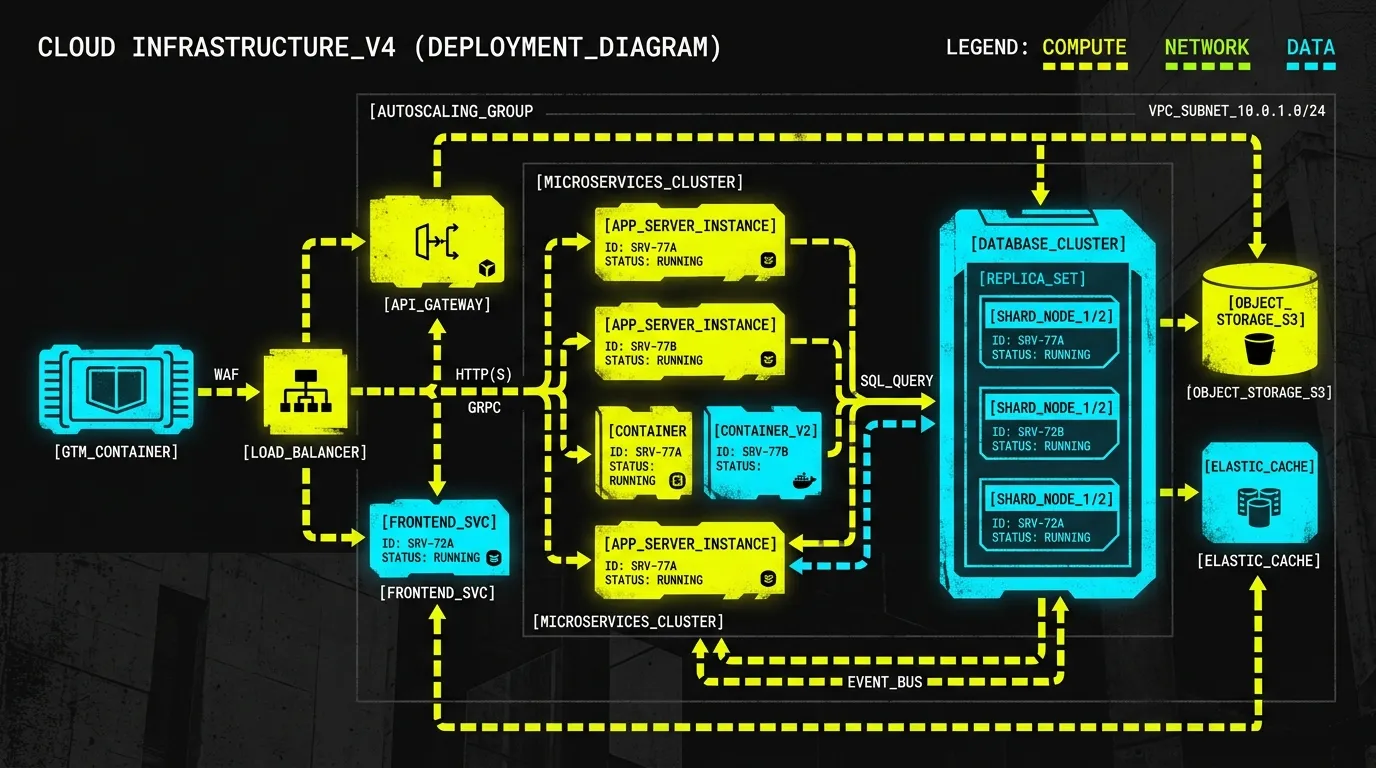
Building AI applications often means dealing with many model endpoints. Developers typically hardcode these endpoints or manage complex open-source proxies. This creates friction.Google Cloud API Gateway now offers native model routing. It's currently in Public Preview. This update provides a single, serverless ingress layer for your large language model (LLM) traffic. It accepts OpenAI-compatible requests. Then, it dynamically routes them to backend models like Gemini, Claude, or OpenAI OSS-GPT. Consider it your unified LLM endpoint.
Official Source: Google Announcement
Technical Impact & Mechanism
This new capability solves several architectural problems. Your client applications connect to one stable Gateway endpoint. The Gateway handles all the complex routing logic. You define these rules using an OpenAPI 3.x spec. This spec details your LLM backends and routing configurations. A router can set a default model. It also includes specific rules to override that default. For instance, you can route requests forclaude-opus-4-7 to your Claude backend, while other requests default to Gemini.
Authentication also gets simpler. Client applications authenticate only against the API Gateway. The Gateway manages credentials for your backend LLM providers. This clear separation is powerful. You can rotate API keys for Gemini, Claude, or OpenAI without touching your client application code. It makes credential management secure and agile.
Here’s how you might configure a simple routing setup within your OpenAPI spec:
x-google-api-management:
  backends:
    gemini-backend:
      address: "https://aiplatform.googleapis.com/v1/..."
    claude-backend:
      address: "https://aiplatform.googleapis.com/v1/..."
  ai:
    models:
      routing:
        routers:
          my-llm-router:
            defaultModel:
              backend: gemini-backend
              targetModel: google/gemini-3.5-flash-lite
            rules:
              - model: "claude-opus-4-7"
                backend: claude-backend
                targetModel: anthropic/claude-opus-4-7
One critical constraint: all backends within a single router must share the same host. This means routing occurs between different models on, for example, aiplatform.googleapis.com. It doesn't route traffic across entirely different domain hosts. The Gateway also transcodes payloads on the fly. It converts your incoming OpenAI-compatible request to the native schema of the chosen backend LLM. It then injects the required authentication token for that specific model.
Action Plan for Developers & Businesses
- Define your routing logic: Update your OpenAPI 3.x spec. Configure
x-google-api-managementwith your LLM backends and specific routing rules. This sets how requests are directed. - Deploy your Gateway: Push your new API configuration to your Google Cloud API Gateway instance. This activates your consolidated LLM endpoint.
- Update client applications: Point your AI applications to the new, stable Gateway URL. Replace direct model endpoints with the Gateway's specific path (e.g.,
/v1/chat/my-llm-router). - Consider broader integration: For robust security governance or extensive API management, look into pairing this with Google Cloud’s Agent Gateway or Apigee for additional capabilities.
> Need help architecting your next-gen AI systems or refining your cloud infrastructure? My Case Studies & Work showcase how I tackle complex digital challenges. Contact Waleed for a direct discussion.