Unlocking Zoho One: Building Custom Middleware to Connect Zoho Creator and External APIs
DATE: 2026-07-11
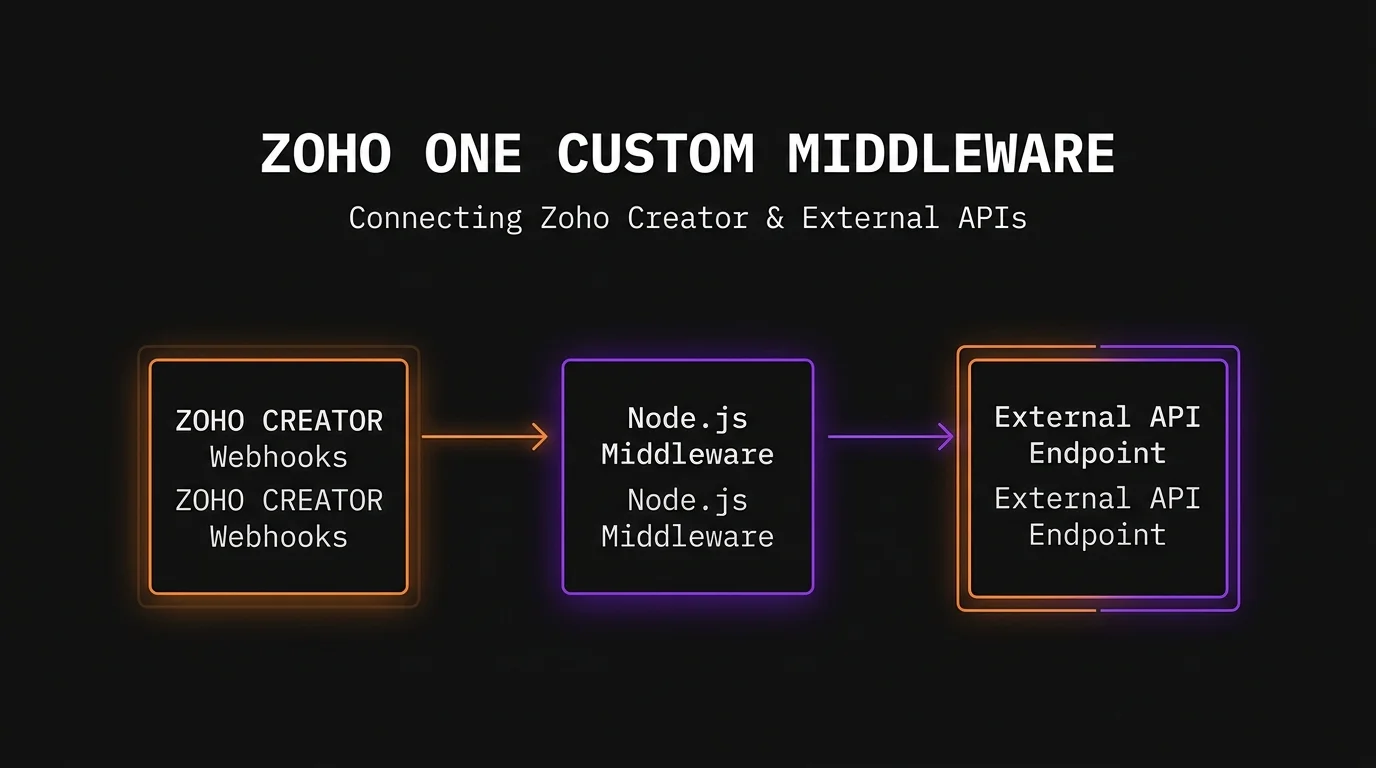
To integrate Zoho Creator with external enterprise tools, relying solely on native connectors like Zoho Flow or Zapier often falls short when handling complex data transformations, high-volume polling, or strict security protocols. Building a custom API middleware layer bridges this gap, allowing businesses to sync data between Zoho One, Zoho Creator, and external APIs with full control over the data pipeline. By hosting a lightweight Node.js, Python, or Go application on a cloud platform like AWS or Heroku, engineering teams can bypass the execution limits of Deluge script, implement advanced error-handling logic, and ensure sub-second data synchronization across their entire tech stack.
The Integration Bottleneck in Zoho One
Zoho One serves as an incredible operating system for modern businesses, but scaling enterprise operations eventually exposes the limitations of native automation tools. RevOps teams and growth engineers frequently run into operational walls when attempting to connect Zoho Creator to external ERPs, proprietary databases, or legacy APIs using out-of-the-box solutions.
Understanding Deluge and API Call Limits
While Zoho’s native scripting language, Deluge, is highly efficient for internal workflows, it comes with strict architecture constraints. Zoho imposes a hard limit on external HTTP requests—typically capping accounts at 25,000 API credits per day across standard tiers, with strict statement execution limits per script invocation. If your enterprise processes thousands of webhook payloads an hour from an external e-commerce platform or supply chain database, native Deluge scripts will simply timeout or hit rate limits, dropping critical data payloads.
The Problem with No-Code Integration Platforms
No-code platforms like Zoho Flow or Zapier are excellent for simple, linear data transfers. However, they struggle with multi-stage data transformations, complex conditional loops, and heavy payload filtering. Furthermore, these platforms charge per task or operation. Running 500,000 monthly transactions through a third-party no-code tool can unexpectedly bloat operational software costs by thousands of dollars annually, all while offering zero visibility into low-level execution logs or end-to-end data encryption control.
---
## Architectural Blueprint for Custom Middleware
Decoupling your integration logic from Zoho One by deploying a dedicated middleware layer ensures your systems remain performant, secure, and infinitely scalable. The architecture acts as an intelligent traffic controller between Zoho Creator’s webhooks and your external API endpoints.
Choosing the Tech Stack
A robust middleware application requires a runtime environment optimized for asynchronous, I/O-heavy operations. Node.js (TypeScript) or Python (FastAPI) are the industry standards for this use case. Node.js handles thousands of concurrent connections efficiently due to its event-driven, non-blocking I/O model. Pair the runtime with a lightweight database like Redis for caching access tokens and managing request queues, ensuring your application doesn’t repeatedly query Zoho’s OAuth server.
Authentication and Security Guardrails
Security is paramount when exposing endpoints to the public internet. Your middleware must implement a secure OAuth 2.0 handshake with Zoho’s IAM servers, utilizing refresh tokens securely stored in environment variables. To protect your middleware from malicious actors or misconfigured loops, implement API Gateway rate limiting (e.g., maximum 60 requests per minute per client IP). Additionally, use payload signature verification via HMAC-SHA256 tokens embedded in the headers of webhooks sent from Zoho Creator to verify that incoming data genuinely originated from your organization.
---
## Step-by-Step Implementation Guide
Building the middleware involves setting up a listening endpoint, processing data payloads, interacting with the Zoho Creator REST API v2, and executing safe error-handling routines.
### Step 1: Configuring Zoho Creator Webhooks
First, establish the trigger within Zoho Creator. Instead of writing heavy Deluge logic, configure a clean workflow rule that fires a thisapp.portal.invokeURI() or postUrl() task whenever a specific form event occurs (e.g., a new enterprise lead is approved). The payload should contain only the essential record IDs to keep the transmission lightweight.
Code snippet
// Deluge Webhook Trigger Example
payload = Map();
payload.put("record_id", input.ID.toString());
payload.put("event_type", "lead_approved");
response = postUrl("https://api.yourmiddleware.com/v1/zoho-webhook", payload, Map(), false);
### Step 2: Building the Middleware Ingestion Engine
On the middleware side, create an endpoint to receive the webhook payload. The code snippet below demonstrates how a Node.js/Express server ingest the webhook, immediately responds with a 202 Accepted status to Zoho Creator to prevent timeouts, and pushes the processing job to an asynchronous queue.
JavaScript
// Node.js Express Endpoint for Zoho Webhook Ingestion
const express = require('express');
const app = express();
app.use(express.json());
app.post('/v1/zoho-webhook', async (req, res) => {
const { record_id, event_type } = req.body;
// 1. Instantly acknowledge receipt to Zoho to avoid a 504 timeout
res.status(202).json({ status: 'queued', message: 'Processing started.' });
// 2. Hand off processing to an asynchronous worker queue
try {
await processZohoRecord(record_id, event_type);
} catch (error) {
console.error(`Failed to process record ${record_id}:`, error.message);
}
});
### Step 3: Interfacing with the Zoho Creator REST API v2
Once the worker picks up the job, it must fetch the complete record details from Zoho Creator using a valid OAuth token. The middleware constructs a GET request to the Zoho Creator API v2 endpoint, transforms the returned JSON object into the schema required by your external application, and dispatches it.
JavaScript
// Fetching record data via Zoho Creator REST API v2
async function processZohoRecord(recordId, eventType) {
const accessToken = await getValidZohoToken(); // Retrieves cached or refreshed OAuth token
const url = `https://creator.zoho.com/api/v2/your_org/your_app/report/All_Leads/${recordId}`;
const response = await fetch(url, {
method: 'GET',
headers: {
'Authorization': `Zoho-oauthtoken ${accessToken}`,
'Content-Type': 'application/json'
}
});
const recordData = await response.json();
// Transform and map data to External ERP format
const externalPayload = {
companyName: recordData.Company_Name,
annualRevenue: parseFloat(recordData.Revenue),
crmId: recordData.ID
};
await sendToExternalAPI(externalPayload);
}
---
## Performance Optimization and Scaling Strategies
As data volumes scale, unoptimized middleware can face latency issues or memory leaks. To achieve an enterprise-grade runtime, engineers must implement robust data processing strategies.
### Implementing Asynchronous Queueing
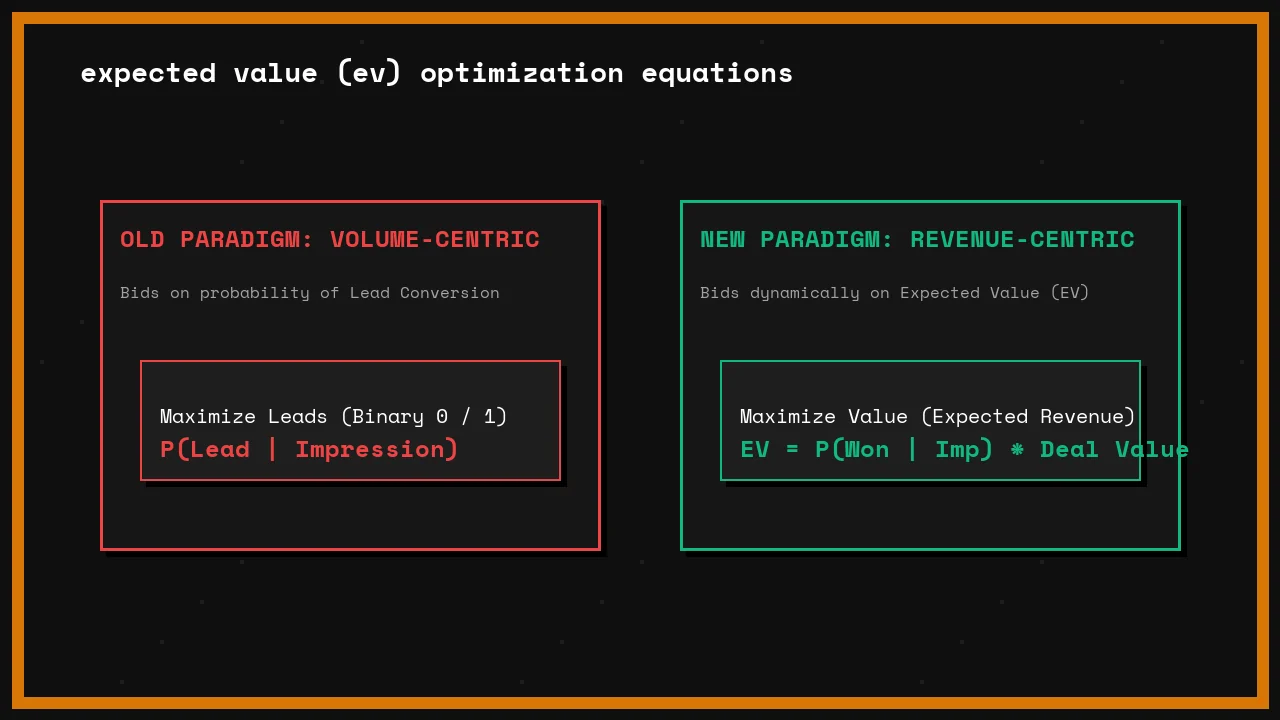
Never process business logic synchronously within the HTTP request cycle. Utilizing a queueing system like BullMQ (powered by Redis) or AWS SQS ensures that if your external ERP experiences a temporary outage, data payloads are not lost. The middleware can safely store failed jobs and attempt a retry strategy using an exponential backoff algorithm (e.g., retrying after 2, 4, 8, and 16 minutes) before logging a critical alert.
### Caching and State Management
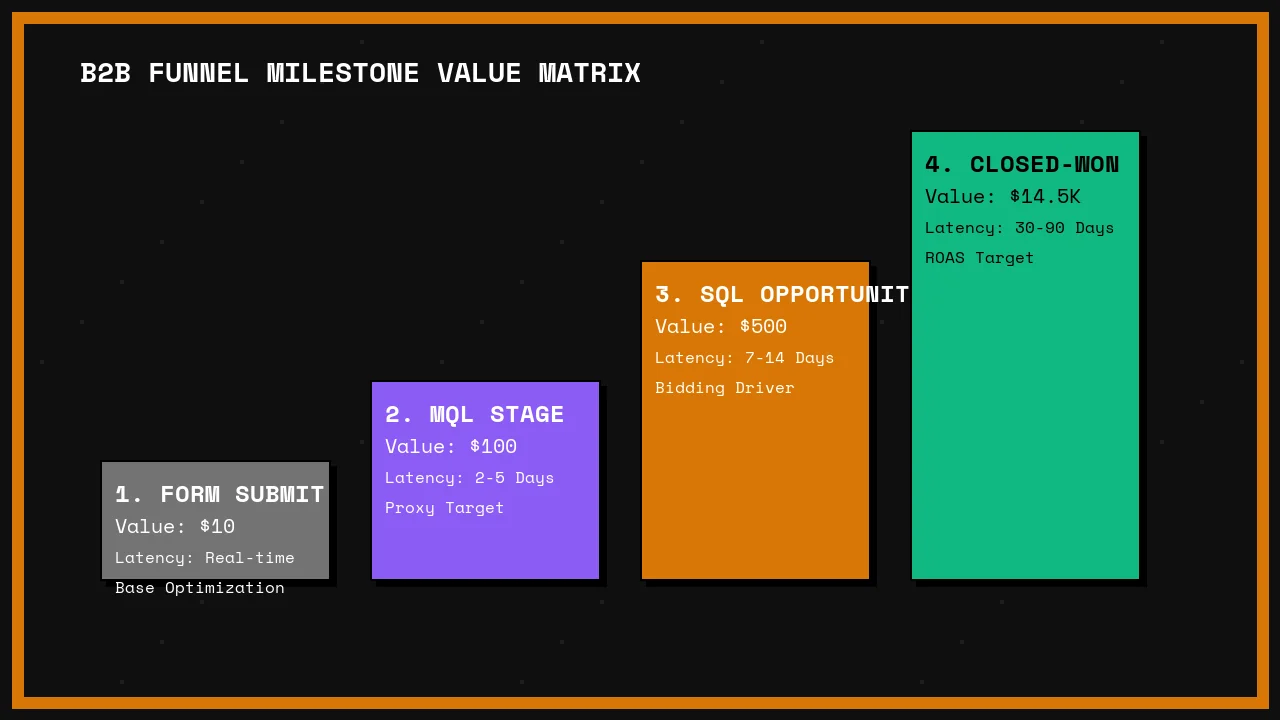
Do not make an API call to Zoho's authentication servers for every single transaction. Zoho access tokens last for 3,600 seconds (1 hour). Store this token inside an in-memory Redis database with a Time-To-Live (TTL) set to 3,500 seconds. Your middleware should read the token directly from memory, which reduces operational latency by roughly 150 milliseconds per request and protects your Zoho API quota from unnecessary consumption.
### Production Deployment and Monitoring
Moving your middleware from localhost to production requires an environment that offers high availability, containerization, and granular logging.
### Containerization with Docker
Wrap your middleware application in a lightweight Docker container. This guarantees environment consistency across local development, staging, and production environments. A multi-stage Docker build keeps your final deployment image small (under 150MB), reducing cold start times and speeding up continuous deployment pipelines.
### Logging, Telemetry, and Alerting
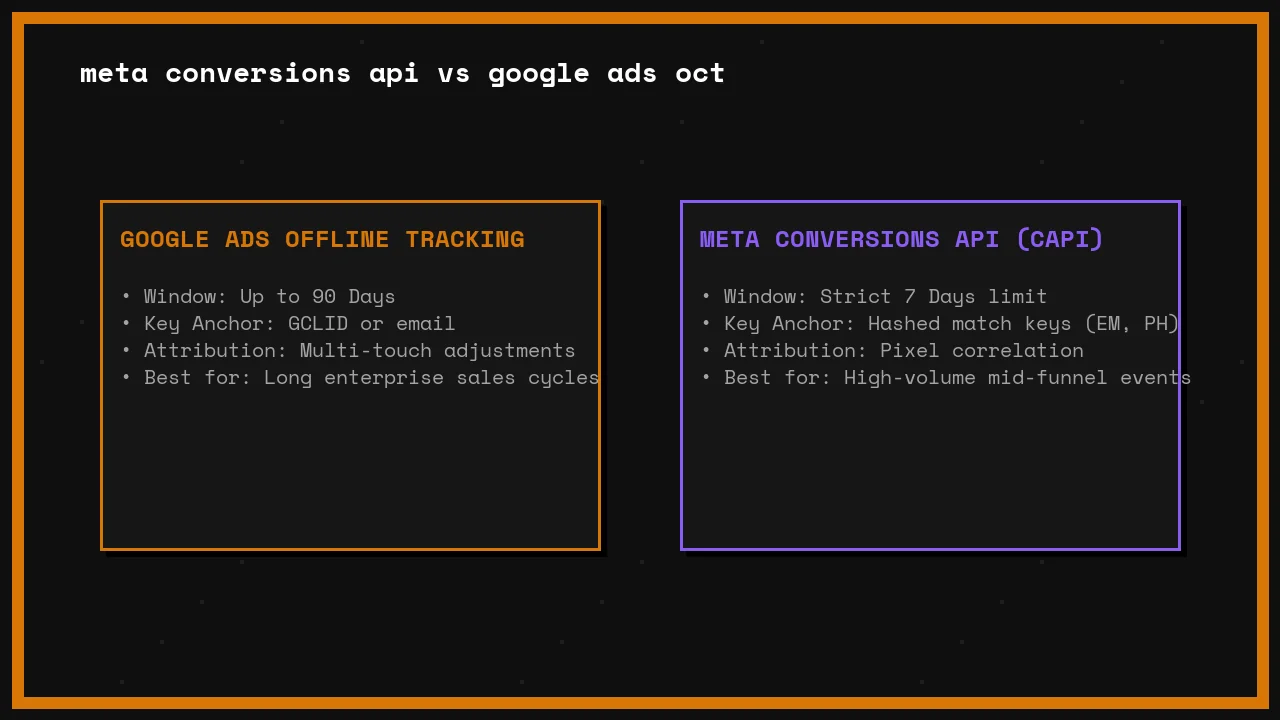
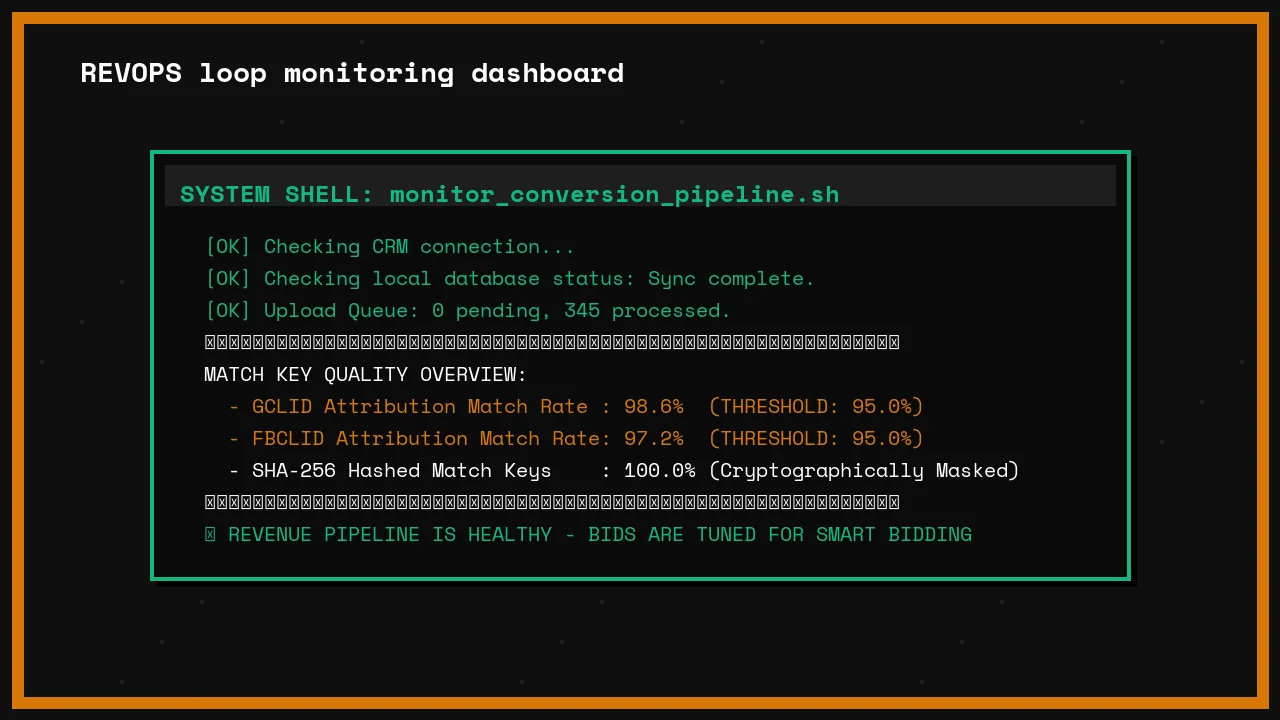
When an enterprise integration breaks, RevOps teams need to know why instantly. Implement a structured logging library like Winston or Pino to output logs in structured JSON format. Stream these logs into a centralized management platform like Datadog, LogRocket, or AWS CloudWatch. Configure automated alerts to trigger Slack or PagerDuty notifications the moment the middleware returns a 5xx server error rate higher than 1% over a rolling 5-minute window.
---
## Streamlining Enterprise Workflows
Building a custom middleware layer transforms your Zoho One environment from an isolated software suite into a deeply integrated engine capable of driving enterprise growth. While native tools offer quick fixes, custom engineering delivers data reliability, complete control over architecture, and cost stability at scale. By taking ownership of your data pipeline, you unlock the true engineering potential of Zoho Creator.
---
### Frequently Asked Questions
* **Why should I build custom middleware instead of using Zoho Flow or Zapier?**
* A: While no-code tools are great for basic automation, custom middleware offers unlimited data transformations, precise error handling, and removes the risk of dropped payloads due to timeout restrictions. It is also significantly more cost-effective for enterprise operations processing high volumes of monthly transactions.
* **How does middleware help stay within Zoho One API limits?**
* A: Middleware acts as an intelligent buffer. By utilizing caching layers (like Redis) for OAuth tokens and bundling individual transactional requests into bulk API operations, custom middleware reduces the frequency of outbound calls to Zoho's infrastructure, preserving your daily API credits.
* **Where is the best place to host our custom API middleware application?**
* A: For modern engineering frameworks, cloud native options like AWS Lambda or Google Cloud Functions offer cheap, event-driven scalability. For operations requiring continuous socket connections or persistent execution queues, containerized deployments on AWS ECS, Heroku, or DigitalOcean are highly recommended.
---
## About the Author
I'm **Waleed Raza** — a Solutions Architect and Digital Growth Engineer who has spent years deep in the trenches of server-side tracking, CRM integrations, and conversion data recovery. I run [StratDigi Pros](https://stratdigipros.com), a technical execution agency, and I've personally configured these exact pipelines for e-commerce brands, B2B SaaS companies, and performance marketing agencies across the UK, US, and APAC.
If you're dealing with broken attribution, rising CPAs, or need someone to architect your server-side tracking stack from scratch — let's talk. I'm available for consulting and implementation projects.
→ **[Hire me on Upwork](https://www.upwork.com/freelancers/waleedraxadigitalmarketing)** | **[Connect on LinkedIn](https://www.linkedin.com/in/waleed-raxa/)** | **[Submit a project request](/contact)**